DIVI SALE
【期間限定】Diviがセール中! 最大20%OFFで購入できるチャンス到来。
INTRODUCTION
現在DiviのAnniversary Sale開催中です。
Divi Anniversary Sale 2021 3/24(水)まで 特設ページはこちら
https://www.elegantthemes.com/discount/anniversary-2021
以下、すでにセール期間の終了したサマーセールに関しての記事になります。
CONTENTS

DIVI SUMMER SALE
セール期間
DiviのサマーセールはElegant Themesによる年に一度開催の大きなセールです。
開催期間は2020年8月18日~9月2日 15:00(日本時間)までの2週間程度です。
Diviのセールは他にブラックフライデーセールなどがありますが、年に数回しか開催されません。
購入を検討されている方はこの機会に入手しましょう。
Diviのプランと値段
Diviには年間プランと買切りプランの2種類ありますが、どちらもセールで安くなっています。
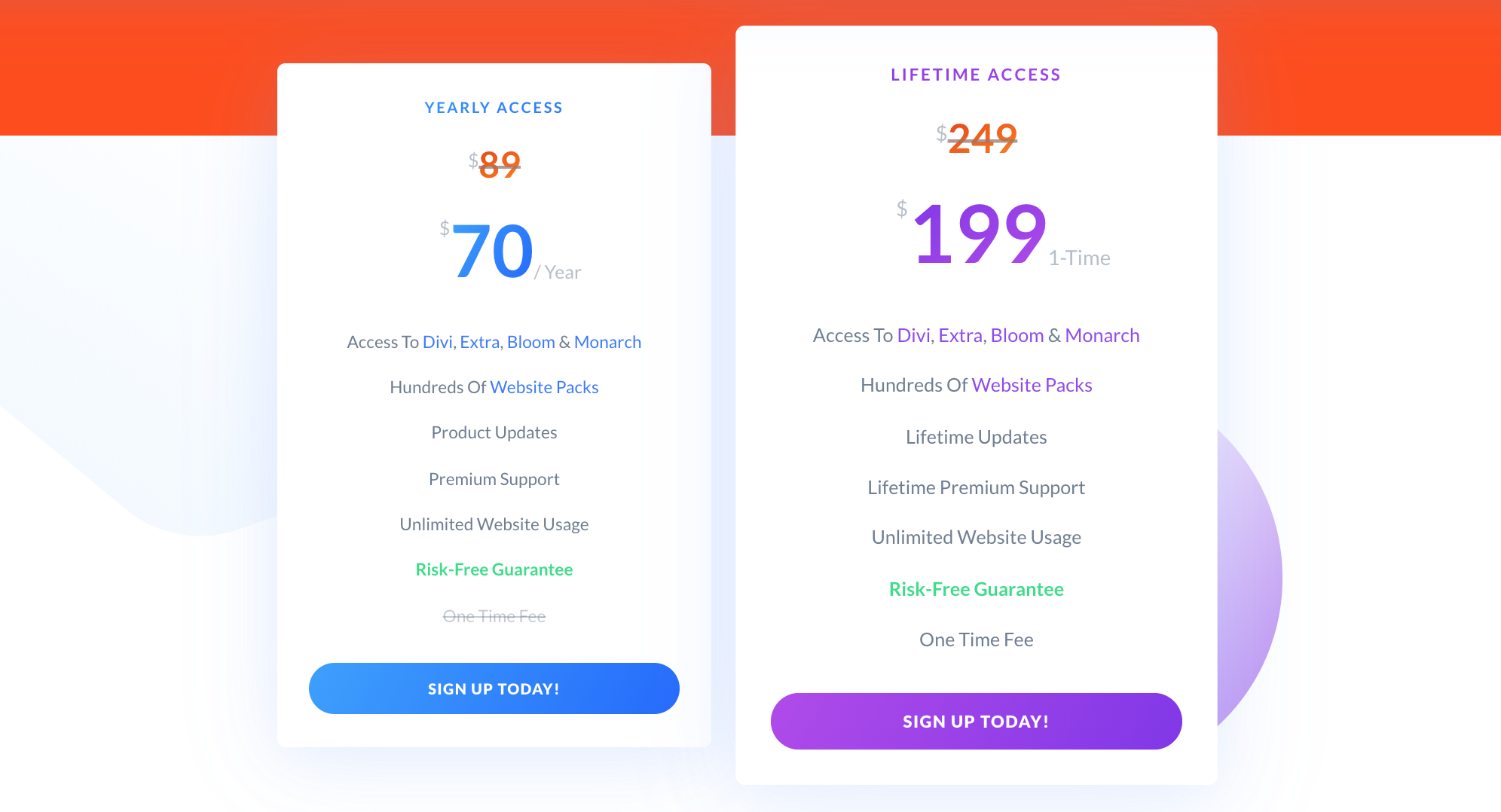
買切りプランは20%OFFに
年間プラン $89→$70 21%OFF (約¥2,000お得)
買切プラン $249→$199 20%OFF (約¥5,250お得)
個人的には買切りプランの方をおすすめします。Webサイトでもブログでも長期間運用するものなので長い目で見ればコストが抑えられるのは買切りプランの方です。
また、一度の購入だけでその後ずっとアップデートを受けて使うことができます。
Diviの買い方
Divi自体は日本語対応していますが、Webサイトが英語のみなので簡単にどのページに行けば購入できるかを説明します。
まずは下記のページにアクセスしましょう。
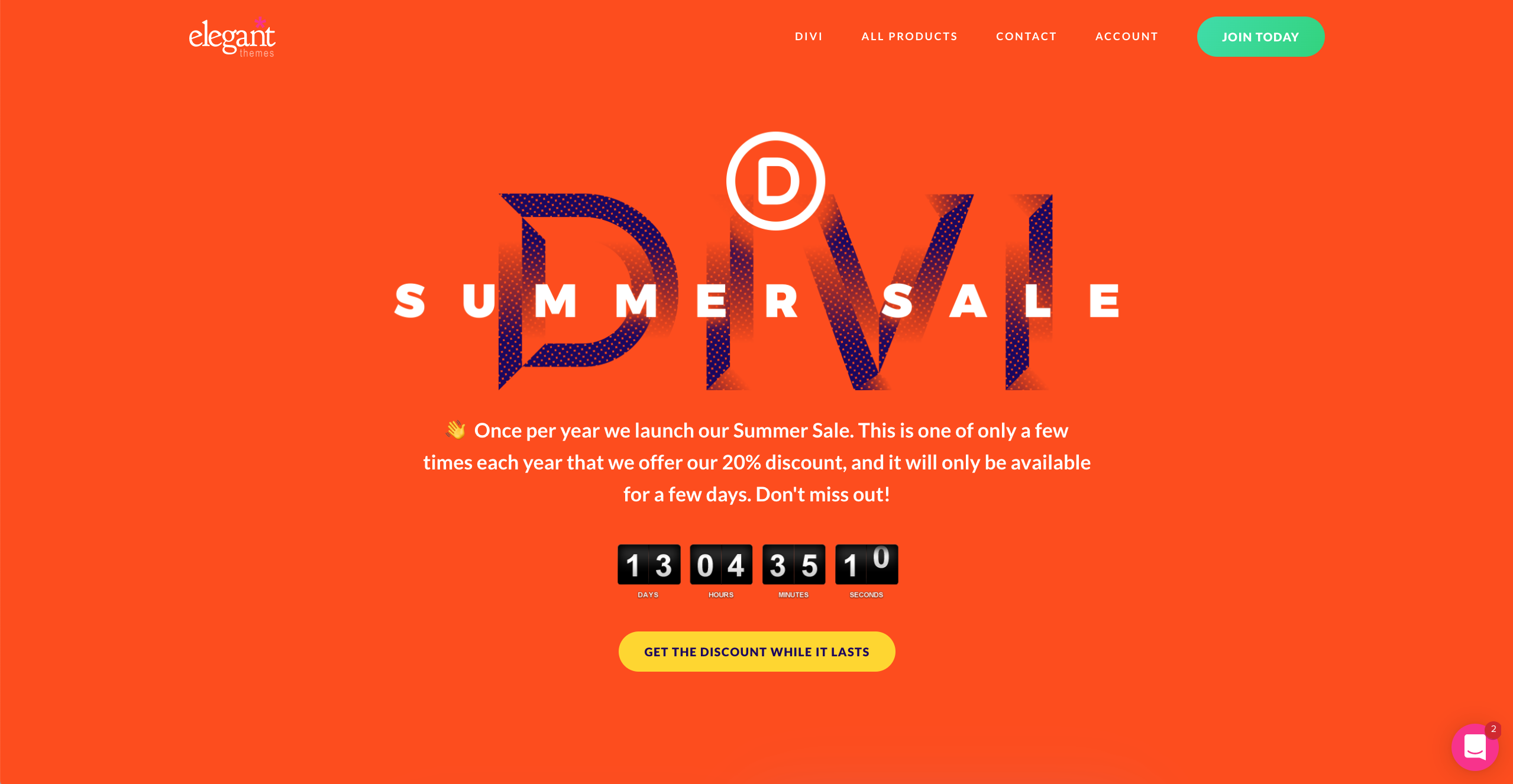
Diviサマーセール2020トップ
トップ画面ではセールの残り期間が表示されています。
そこから下にスクロールしてプランと値段の書かれている箇所を表示します。
SIGN UP TODAY!ボタンを押す
年間プランなら左側、買切りプランなら右側の「SIGN UP TODAY!」ボタンを押して氏名などの基本情報と購入情報を入力して完了です。
購入から30日間であれば払い戻しもできるのでまずは試しに使ってみましょう。
詳しい購入方法とWordpressへのインストール方法については別記事にて書いているので参考にしてください。
【超簡単】5分でできるDIVIのインストールとセットアップの仕方
Diviの購入からWordpressでのセットアップの仕方までを画像付きでわかりやすく説明しています。